
Who would youlike to meet?
Tell Peers who you want to meet by email. It replies and guides you from there. Claude, ChatGPT, and other AI assistants can help, too.
No account or app to set up.


Connect Peers once, then ask.
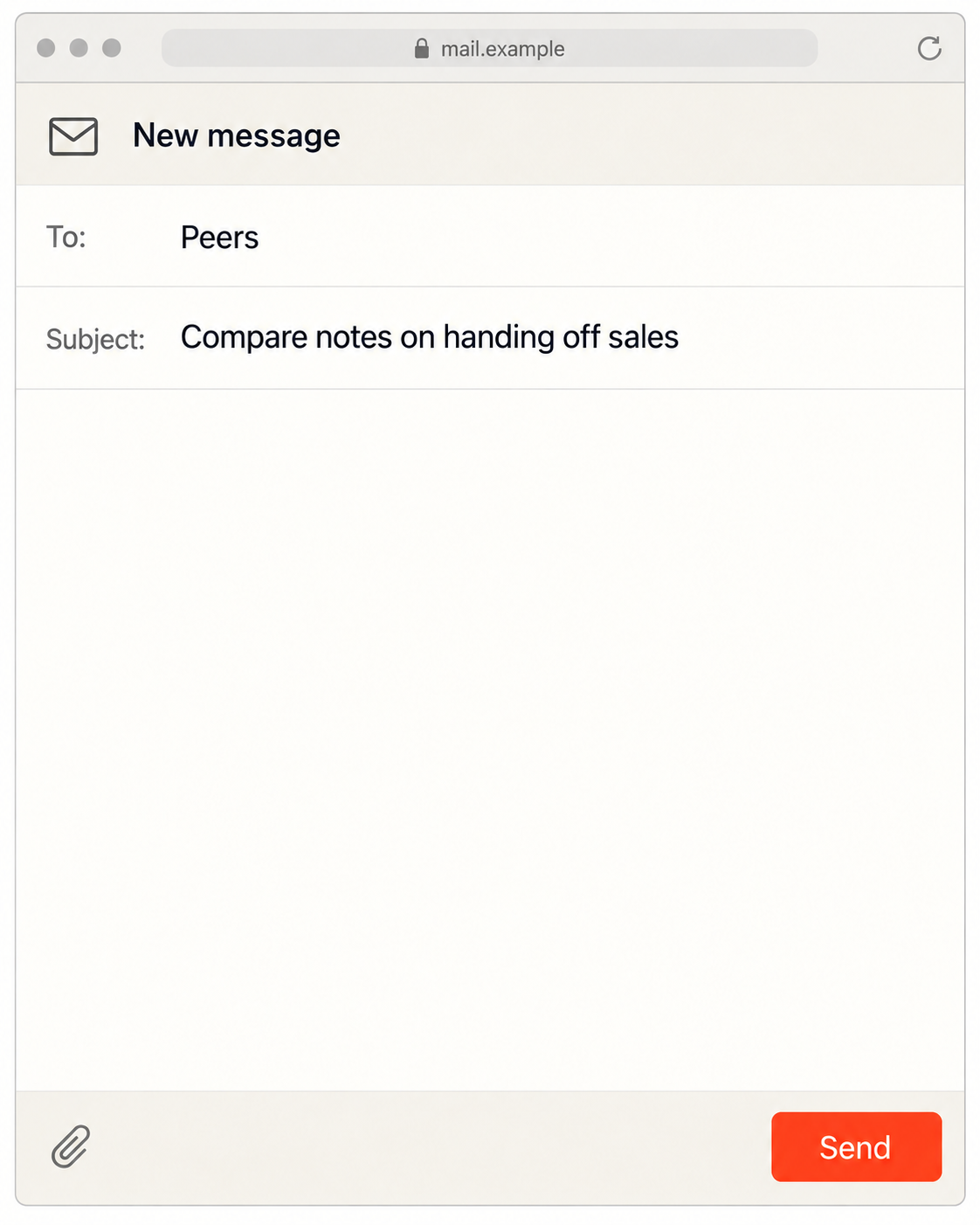


To: Peers
Subject: Compare notes on handing off sales
Hi Peers,
I’m building a B2B software company and weighing our first head-of-sales hire.
I’d like to compare notes with founders who’ve handed off sales: what they fixed before hiring, and what caught them off guard.
I can share lessons from our customer onboarding experiments.
Maya
You: I’m still the bottleneck in sales. Before I hire a head of sales, find founders in my communities who’ve made that handoff. I want to hear what they wish they’d fixed first. Use what you know about our business to explain the fit and what I could offer in return.
Your AI: I’ll use your company context to narrow the search and draft your needs and offers for review. Which community should we start with?
Illustrative example.
How to use Peers
Email your request
Or use your AI. Say who you need: an advisor, prospect, partner, or investor.
Reply to Peers
Add a little context and choose a relevant community.
Connect by email
When Peers introduces you, take the conversation forward.
Create your space
Run an event or membership community? Add value with relevant introductions before, during, and after each gathering.
Start with an email.
Send your request to success@reply.linkpeers.com from the address where you want to receive introductions.
Tell Peers what you’re working on, who you’d like to meet, and what you can offer. Name a community or ask for help finding one.
Open your email app, or compose a message in your preferred email service.